


Posting Pics!
 07-14-2006, 08:48 PM
#1
TECH Addict
Thread Starter

Join Date: Jul 2005
Location: Olathe, KS
Posts: 2,515
Likes: 0
Received 0 Likes
on
0 Posts
 Posting Pics!
Go to: www.photobucket.com and setup an account. It's a free webhosting site and you can upload pics direct from your hard drive. Once you do that and add the pics you want, they'll show up in your album.
After the pics show up in your album, there will be three lines of info right below the picture.
The first one is a url, and by copy and pasting that link into your thread, you've got a hyperlink.
EX: http://img.photobucket.com/albums/v2...background.jpg
The second will be a tag. I'm not really sure what that'll do, but postin it will not bring up a pic or hyperlink.
The FOURTH line is the one you want. It comes complete with the tags on the line.
EX:
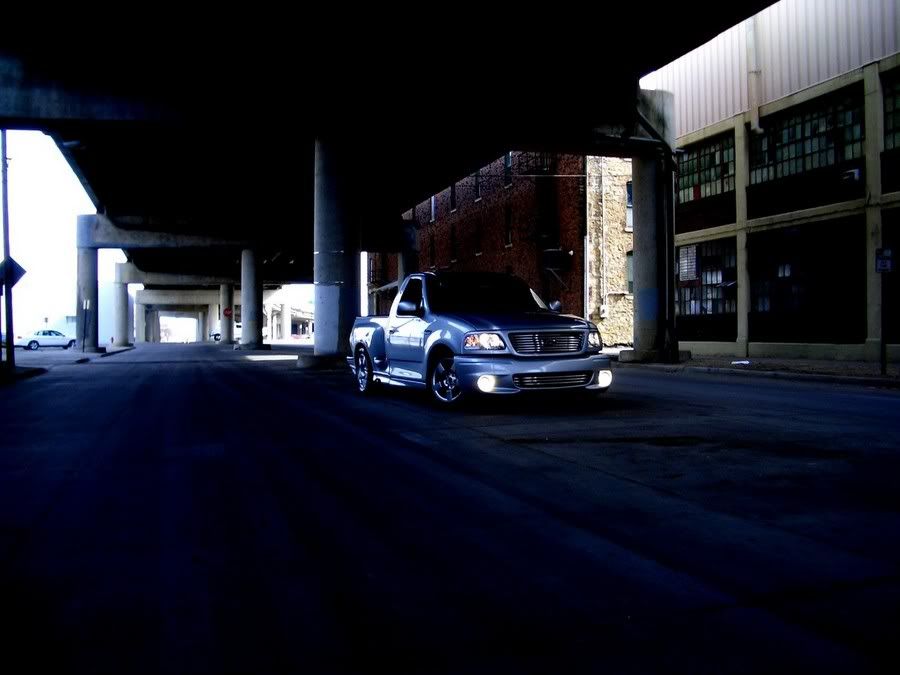
That will post your pics directly into the thread. To post it directly into your sig, you would use the thrid line as well. Just copy and paste into your signature block of the user cp. I hope this helps.
Make sure you follow the site guidlines as far as sig content and size. Those things can be found HERE.
Laters
Cree
After the pics show up in your album, there will be three lines of info right below the picture.
The first one is a url, and by copy and pasting that link into your thread, you've got a hyperlink.
EX: http://img.photobucket.com/albums/v2...background.jpg
The second will be a tag. I'm not really sure what that'll do, but postin it will not bring up a pic or hyperlink.
The FOURTH line is the one you want. It comes complete with the tags on the line.
EX:
That will post your pics directly into the thread. To post it directly into your sig, you would use the thrid line as well. Just copy and paste into your signature block of the user cp. I hope this helps.
Make sure you follow the site guidlines as far as sig content and size. Those things can be found HERE.
Laters
Cree
Last edited by 203Cree; 10-06-2007 at 01:17 AM.


Thread
Thread Starter
Forum
Replies
Last Post
SWINGRRRR
GMT 800 & Older GM General Discussion
5
09-03-2015 07:49 PM

